
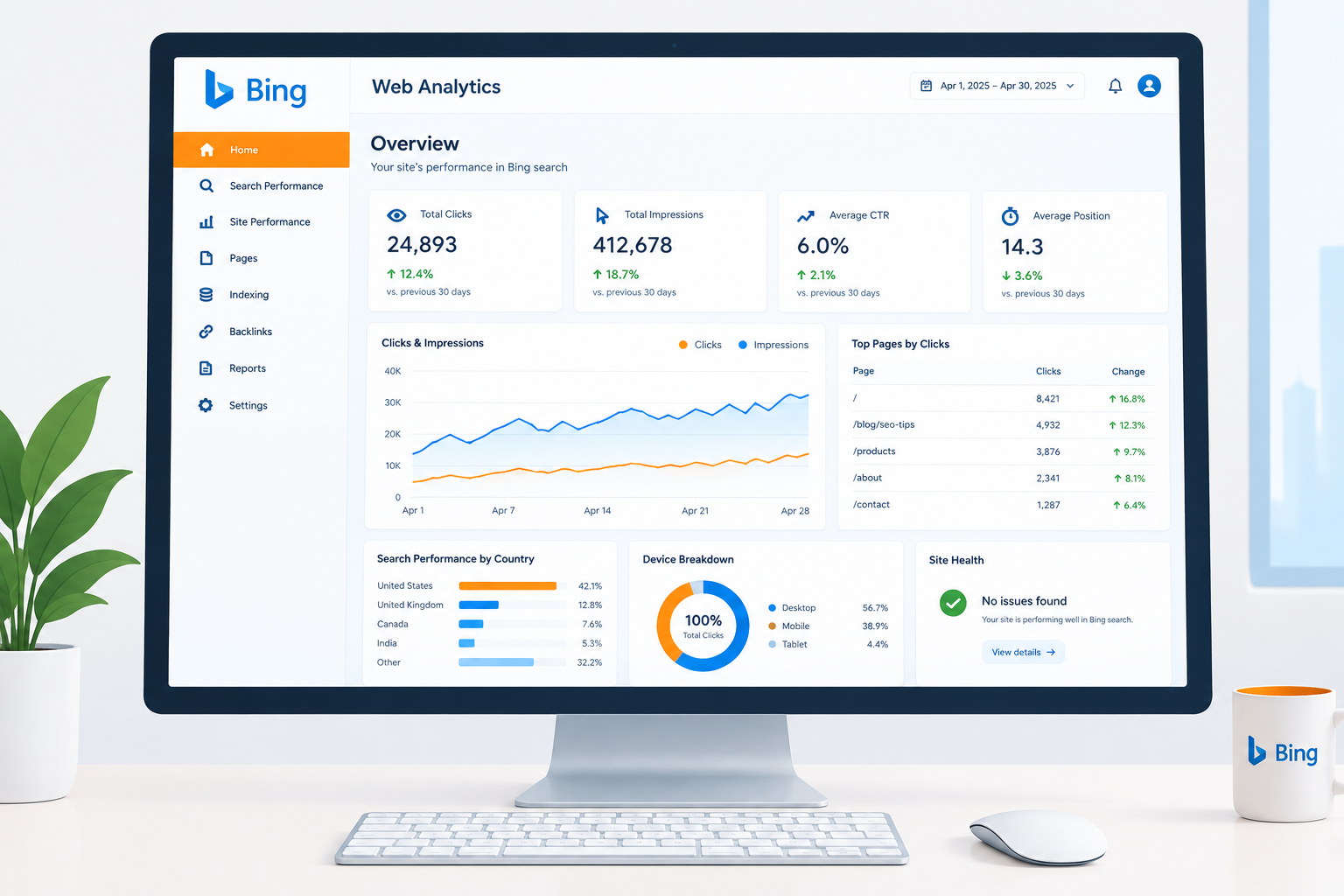
Bing Webmaster Tools is Microsoft’s free dashboard for site owners. It verifies that you own a site, lets you submit sitemaps and URLs, and reports how Bing crawls, indexes and ranks your pages. Setup takes about 15 minutes. If you already use Google Search Console, you can import your sites and skip manual verification.
Last checked: October 29, 2026.
Why Bing Is Worth 15 Minutes of Your Time
Many site owners skip Bing because Google dominates search traffic. That is a mistake for a new site. Bing’s index powers Bing.com and Yahoo search results, contributes to DuckDuckGo results, and feeds Microsoft Copilot. Edge on Windows also defaults to Bing, so a large share of desktop and office users reach the web through it.
The tool also gives you things Google does not. It includes a free Keyword Research report with Bing query volumes, a site-wide SEO scan, and native IndexNow support for near-instant URL submission. Some webmasters set it up purely for those reports.
Before You Start
You need three things:
- A live domain. If you still need to register for a domain name, do that first, because Bing verifies ownership domain by domain.
- Admin access to your CMS, your theme files or your DNS records.
- Your sitemap URL. On WordPress with Yoast or Rank Math this is usually
/sitemap_index.xml. Shopify generates/sitemap.xmlautomatically.
Back up your site or duplicate your theme before you edit any template files. A missing closing tag in a header file can take a whole store offline.
The Setup Process
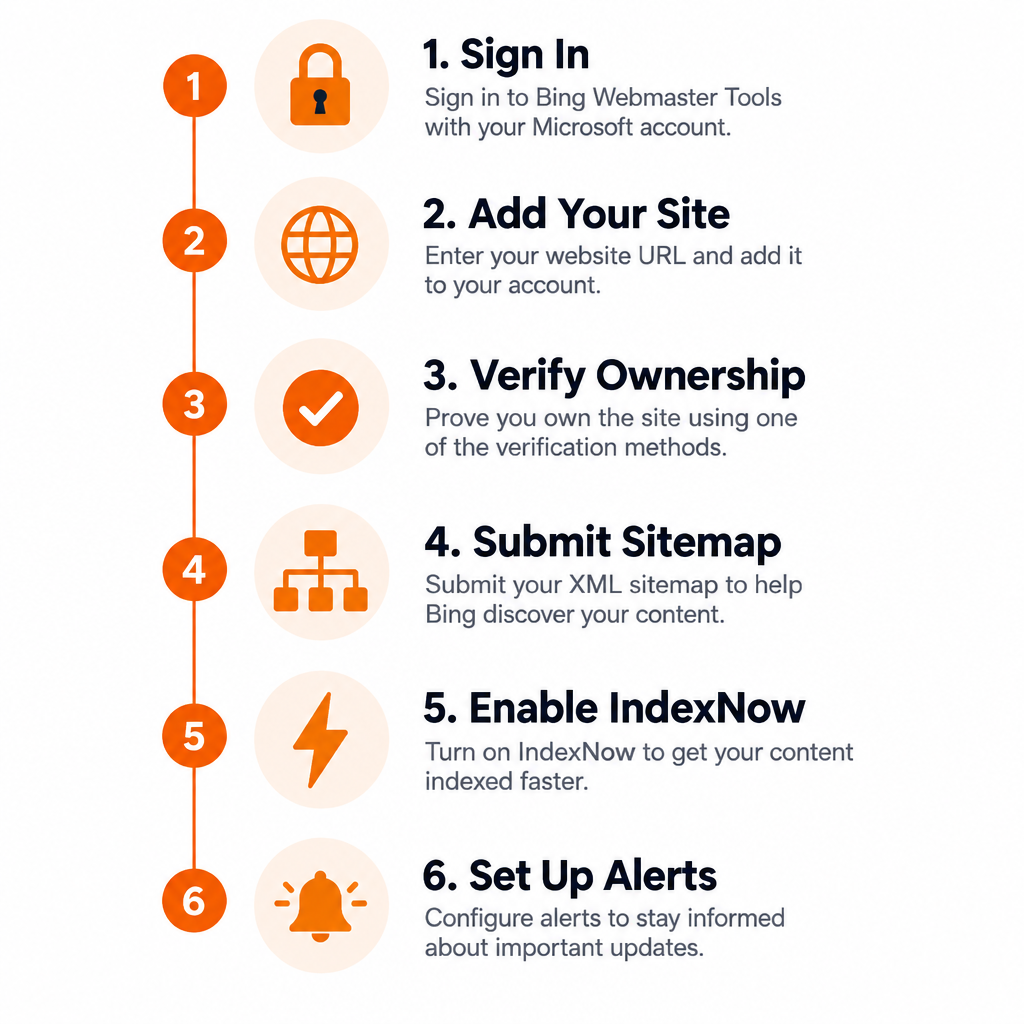
Setup steps
- Go to
bing.com/webmastersand sign in with a Microsoft or Google account. - Choose Import from Google Search Console, or add your site URL manually.
- Verify ownership with an XML file, a meta tag or a DNS CNAME record.
- Open Sitemaps and submit your sitemap URL.
- Turn on IndexNow through your SEO plugin, CDN or the API.
- Open Settings and set email alerts for crawl errors and messages.
Step 1 and 2: Sign In and Add Your Site
The Google Search Console import is the fastest route. You grant Bing read access, pick the properties you want, and Bing pulls in your verified sites and sitemaps. No tags or files are needed. Bing only reads the data, so it cannot change anything in your Google account.
Manual setup suits sites that are not in Search Console yet, or owners who prefer to keep the two accounts separate. Enter the full URL including https://.
Step 3: Verify Ownership
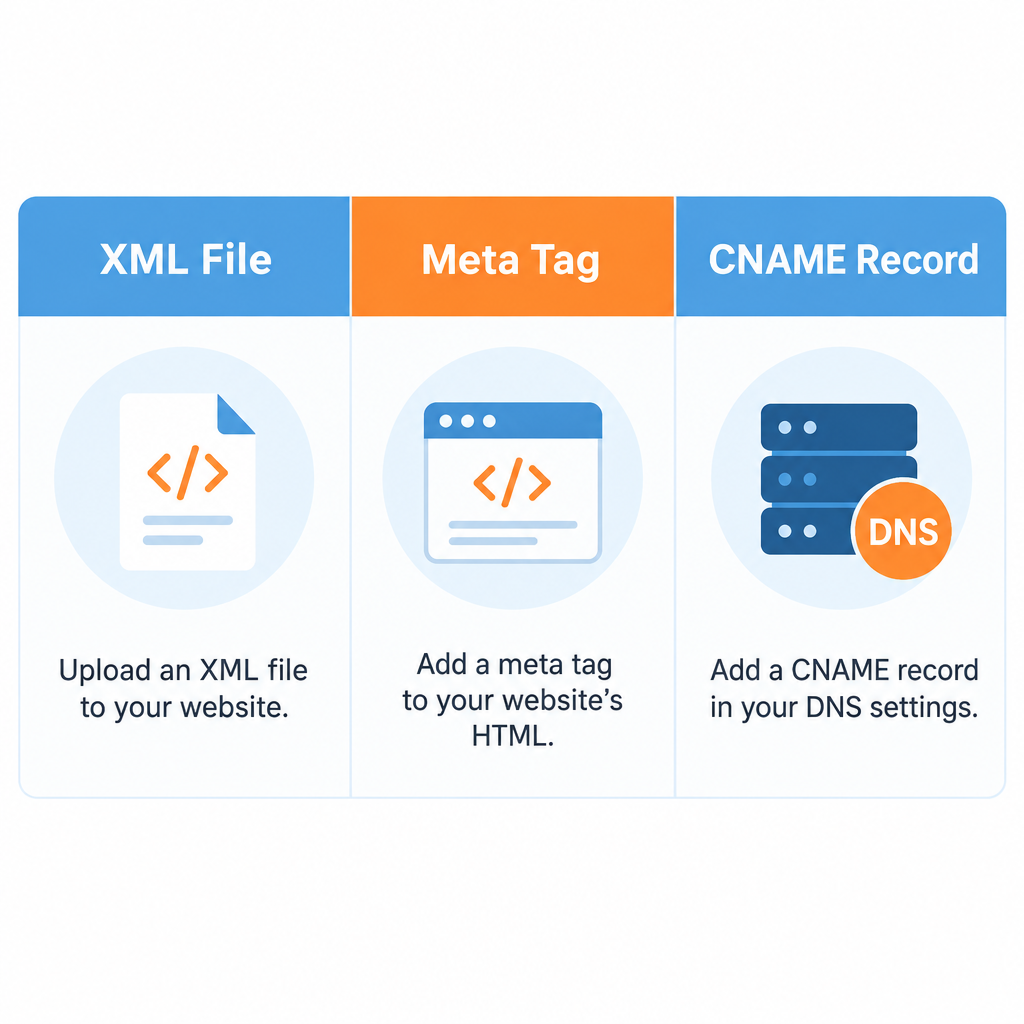
You can verify in three ways:
| Method | What you do | Best for |
|---|---|---|
| XML file | Upload BingSiteAuth.xml to your site root |
Static sites, FTP access |
| Meta tag | Paste a tag into your homepage <head> |
WordPress, Shopify, a website builder |
| CNAME record | Add a DNS record at your registrar or DNS host | Sites where you can’t edit templates |
The meta tag looks like this, with your own code in place of the example value:
<meta name="msvalidate.01" content="YOUR-VERIFICATION-CODE" />
Where to put it on common platforms:
- WordPress with Yoast SEO: Yoast SEO > Settings > Site connections, then paste the code into the Bing field.
- WordPress with Rank Math: Rank Math SEO > General Settings > Webmaster Tools, then use the Bing Webmaster Tools field.
- Shopify: Online Store > Themes > Edit code, open
layout/theme.liquid, and paste the tag just above</head>. - Wix and other hosted builders: use the site verification panel in the SEO settings. Sites made with an AI website builder usually offer the same kind of field.
- Static sites: in the Astro framework, drop
BingSiteAuth.xmlinto thepublic/folder so it deploys to the root.
Builder tip
Paste only the code value into SEO plugin fields, not the whole meta tag. Most plugins build the tag for you, and a doubled tag can fail verification.
Leave the tag, file or DNS record in place after verification. Bing rechecks ownership periodically, and removing it can unverify the site.
Step 4: Submit Your Sitemap
Go to Sitemaps in the left menu and choose Submit sitemap. Paste the full URL. The status will show as Pending at first, then Success once Bing fetches it. You only need to submit the index file. Bing follows the child sitemaps inside it.
Step 5: Turn On IndexNow
IndexNow is an open protocol, co-launched by Microsoft and Yandex, that pings search engines the moment a URL is published, updated or deleted. Your server notifies Bing directly, so you don’t wait for a recrawl. On WordPress, Microsoft’s own IndexNow plugin or Rank Math’s Instant Indexing module handles this. Cloudflare users can enable Crawler Hints. You can still submit individual URLs by hand through the URL Submission tool, within the daily quota shown on that page.
Step 6: Set Up Alerts
Under Settings, enable email notifications for messages, crawl errors and security issues. These alerts can be the first sign that a plugin update has blocked your site in robots.txt, or that malware has been detected.
Security note
Bing flags malware and phishing in Messages and can warn searchers before they visit. If you get an alert, clean the site, update every plugin and theme, then request a review.
Reports to Check in Your First Month
- Search Performance: clicks, impressions, CTR and average position by query and page.
- URL Inspection: whether a specific URL is indexed, and why it isn’t if it’s missing.
- Site Explorer: a folder-by-folder view of what Bing has crawled, with status codes.
- SEO Reports: an automated scan for missing titles, duplicate descriptions and oversized pages.
- Backlinks: sites linking to you, which Bing also lets you compare against competitors.
- Keyword Research: search volumes and related topics from Bing’s own data.
- Robots.txt Tester: checks whether a rule is blocking Bingbot.
For online stores, Site Explorer is especially useful for spotting faceted filter URLs that waste crawl budget.
Troubleshooting Common Problems
Verification failed. The usual cause is a caching plugin or CDN serving an old copy of your homepage. Purge the cache and try again. Also check the page source to confirm only one msvalidate.01 tag exists.
Sitemap could not be fetched. Open the sitemap URL in a private browser window. If you get a 404 or a login page, a security plugin or a staging password is blocking it.
Pages discovered but not indexed. New sites often wait days or weeks. Make sure the pages have unique content and internal links, and that they follow Bing’s Webmaster Guidelines. Thin or duplicate pages are often crawled but never indexed.
FAQ
Is Bing Webmaster Tools free?
Yes. There is no paid tier, and every report is available once you verify your site.
Do I need it if I already use Google Search Console?
Yes. Search Console only covers Google. The import feature makes adding Bing a two-minute job, and the Bing data covers Yahoo, Copilot and other search users Google never reports on.
Does Microsoft Advertising improve my Bing rankings?
No. Microsoft Advertising is a separate paid ads product. Spending on ads has no effect on organic rankings or indexing.
How long does Bing take to index a new site?
It varies from a few days to several weeks for a brand-new domain. Submitting a sitemap and enabling IndexNow speeds up discovery, but quality and internal linking decide whether pages stay indexed.
Where do I find official help and announcements?
The Help section inside the tool covers each report. Microsoft posts feature announcements on the Bing Webmaster Blog, and you can contact support from within your dashboard.