
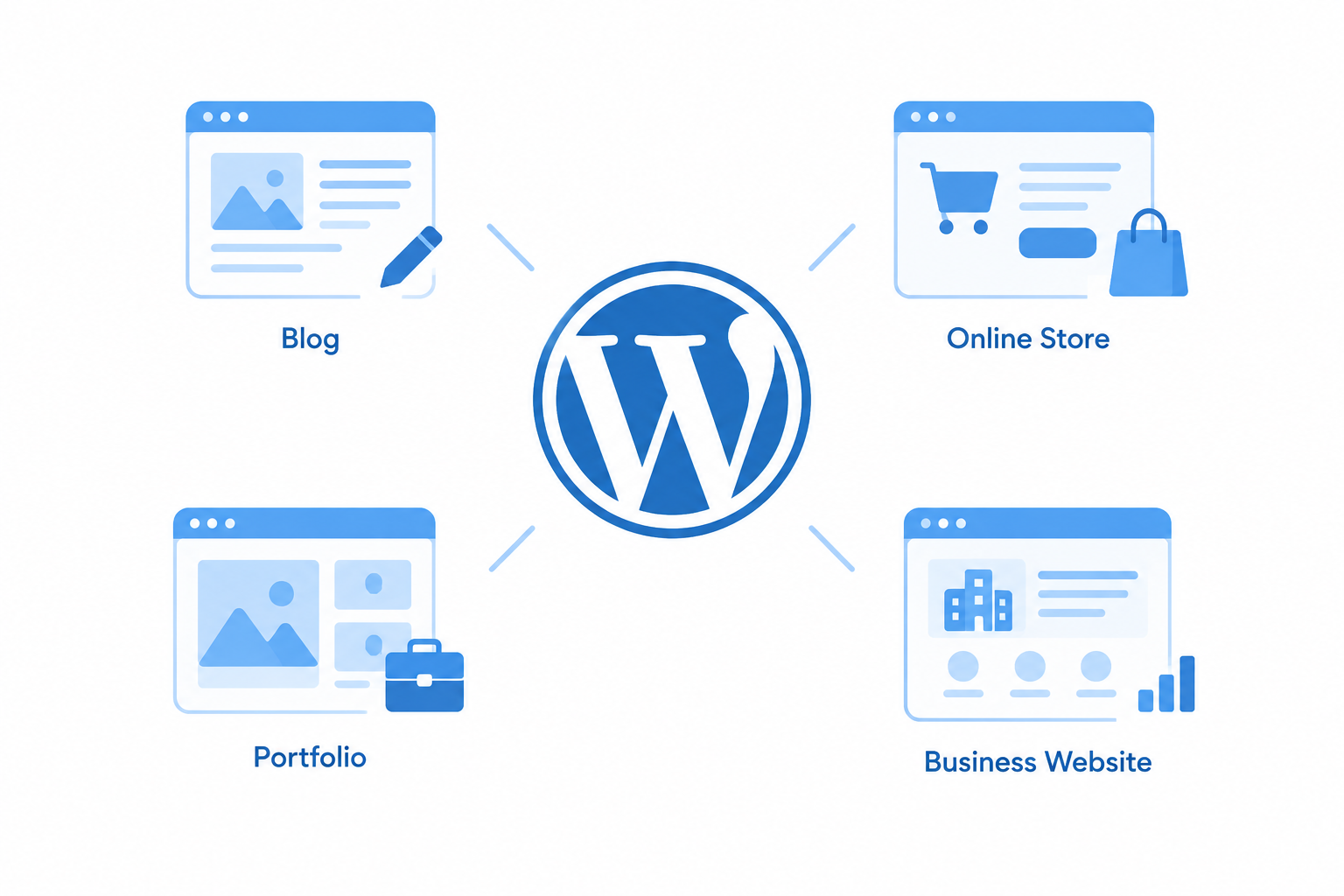
WordPress is free, open-source software for building and managing websites. It began as a blogging tool in 2003 and grew into a full content management system that powers blogs, business sites, online stores and membership sites. This guide covers what WordPress is, what you can build with it, and how to get started without making expensive mistakes.
What is WordPress (and what is WP)?
WP is simply shorthand for WordPress. At its core, WordPress is a content management system (CMS). A CMS is software that stores your text, images and pages in a database and displays them through a design layer, so you can publish and edit content without writing code.
The idea is to separate content from design. You write a post in the block editor, and your theme decides how it looks. If you switch themes later, your content stays put. Plugins add features such as contact forms, SEO tools, caching and booking calendars.
Matt Mullenweg and Mike Little released WordPress in 2003. Thousands of volunteer contributors now maintain it, and a new major version ships a few times a year. W3Techs has measured WordPress on more than 40 percent of all websites for several years, which makes it the most widely used CMS by a wide margin.
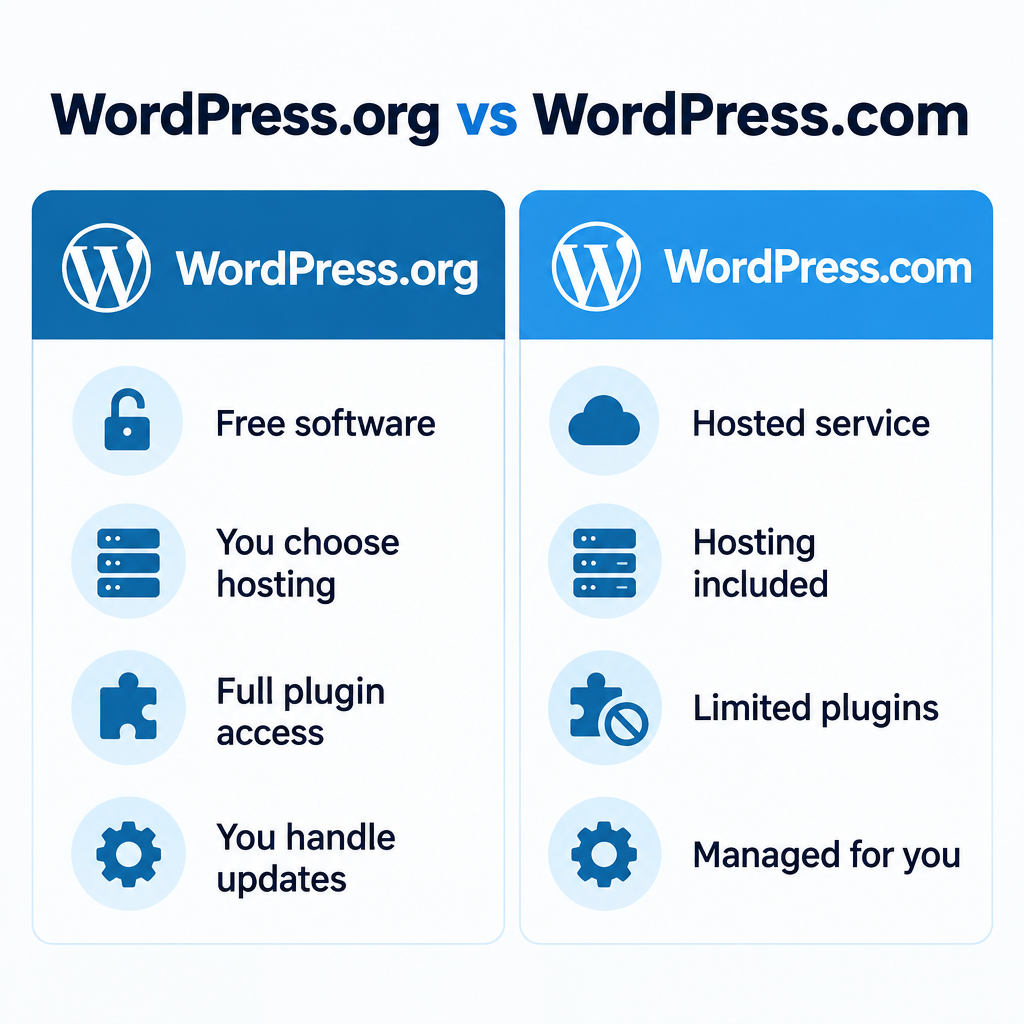
WordPress.org vs WordPress.com
People mix these up all the time, and the choice affects how much control you get.
| WordPress.org | WordPress.com | |
|---|---|---|
| What it is | The free software you install | A hosted service run by Automattic |
| Hosting | You choose and pay a host | Included |
| Plugins and themes | Any you like | Limited on lower plans |
| Maintenance | You handle updates and backups | Handled for you |
| Best for | Full control and custom builds | Hands-off publishing |
When people say “WordPress website,” they usually mean the self-hosted version from WordPress.org. That is the version this guide focuses on.
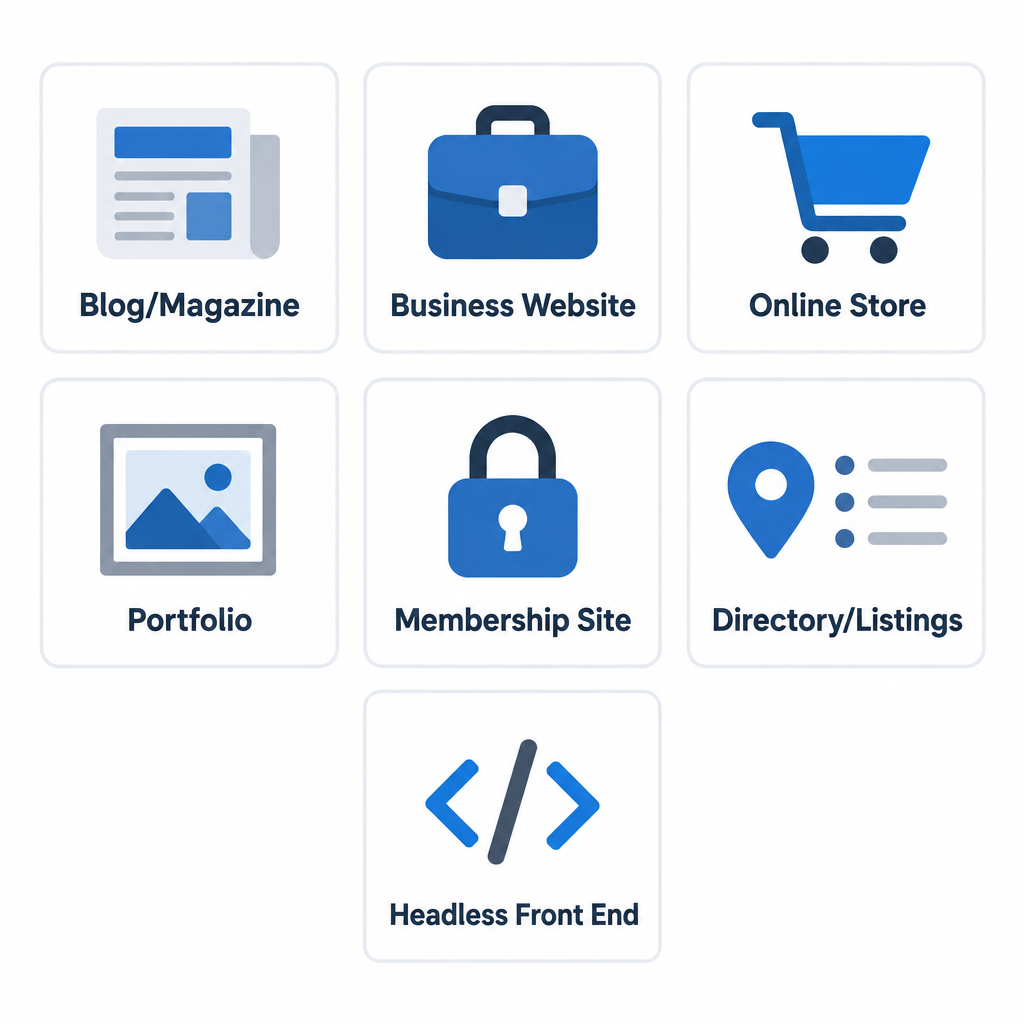
What is WordPress used for? 7 things you can build
- Blogs and magazines. This is where WordPress started. You get categories, tags, scheduling and comments without adding anything.
- Business websites. Service pages, team bios and contact forms are standard builds, and they are easy for a client to update afterwards.
- Online stores. The free WooCommerce plugin adds products, carts, payments and shipping. If you are new to selling, it is worth learning how ecommerce works before you choose your stack.
- Portfolios. Photographers, designers and agencies use block themes to make galleries look polished.
- Membership and course sites. Plugins handle gated content, subscriptions and lessons.
- Directories and listings. Custom post types let you structure content such as properties, jobs or recipes.
- Headless front ends. Developers can use WordPress only as a content back end and serve pages through a separate framework through the REST API. Pairing it with the Astro framework is a popular way to build very fast static sites.
How to get started
To get started you need three things: a domain, hosting and the WordPress software itself. If you don’t have a domain yet, register for a domain name first so you can point it at your host.
Setup steps
- Pick a host that meets WordPress.org’s published requirements (a current PHP 8.x version, MySQL or MariaDB, HTTPS).
- Use the host’s one-click installer, or download WordPress from WordPress.org and upload it yourself.
- Log in at yourdomain.com/wp-admin.
- Go to Settings > General and set your site title, time zone and language.
- Go to Settings > Permalinks and choose “Post name.”
- Install a theme, then add only the plugins you actually need.
Builder tip
Start with a lightweight block theme and avoid installing a page builder plugin on day one. Many speed problems trace back to stacking plugins that duplicate each other.
Once you are live, submit your sitemap to Google Search Console and Bing Webmaster Tools so search engines can find your pages.
When WordPress is the wrong choice
WordPress is not the right answer for every project. If you want zero maintenance and only need a few pages, a hosted website builder or an AI website builder will get you online faster. If you run a large store and don’t want to manage servers, Shopify takes care of the hosting and security work. WordPress makes the most sense when you want to own your content, extend the site over time, and have access to a huge pool of developers.
Security note
Most WordPress hacks come from outdated or nulled plugins and themes. Back up your site before every update, keep everything current, and only install software from WordPress.org or the official developer.
FAQ
Is WordPress really free?
Yes, the software is free under the GPL. You still pay for hosting and a domain, and you may pay for premium themes or plugins.
Do I need to know how to code?
No. The block editor and themes cover most sites. Basic HTML and CSS help when you want to customize further, and PHP knowledge lets you build custom themes and plugins.
Is WordPress good for SEO?
It gives you clean permalinks, editable titles and strong SEO plugins. Your rankings still depend on your content, site speed and how well you choose your hosting.
Can WordPress handle large sites?
Yes. With good hosting, caching and a CDN, WordPress runs large news sites and enterprise publishing operations.